PDF Resume to Website Converter
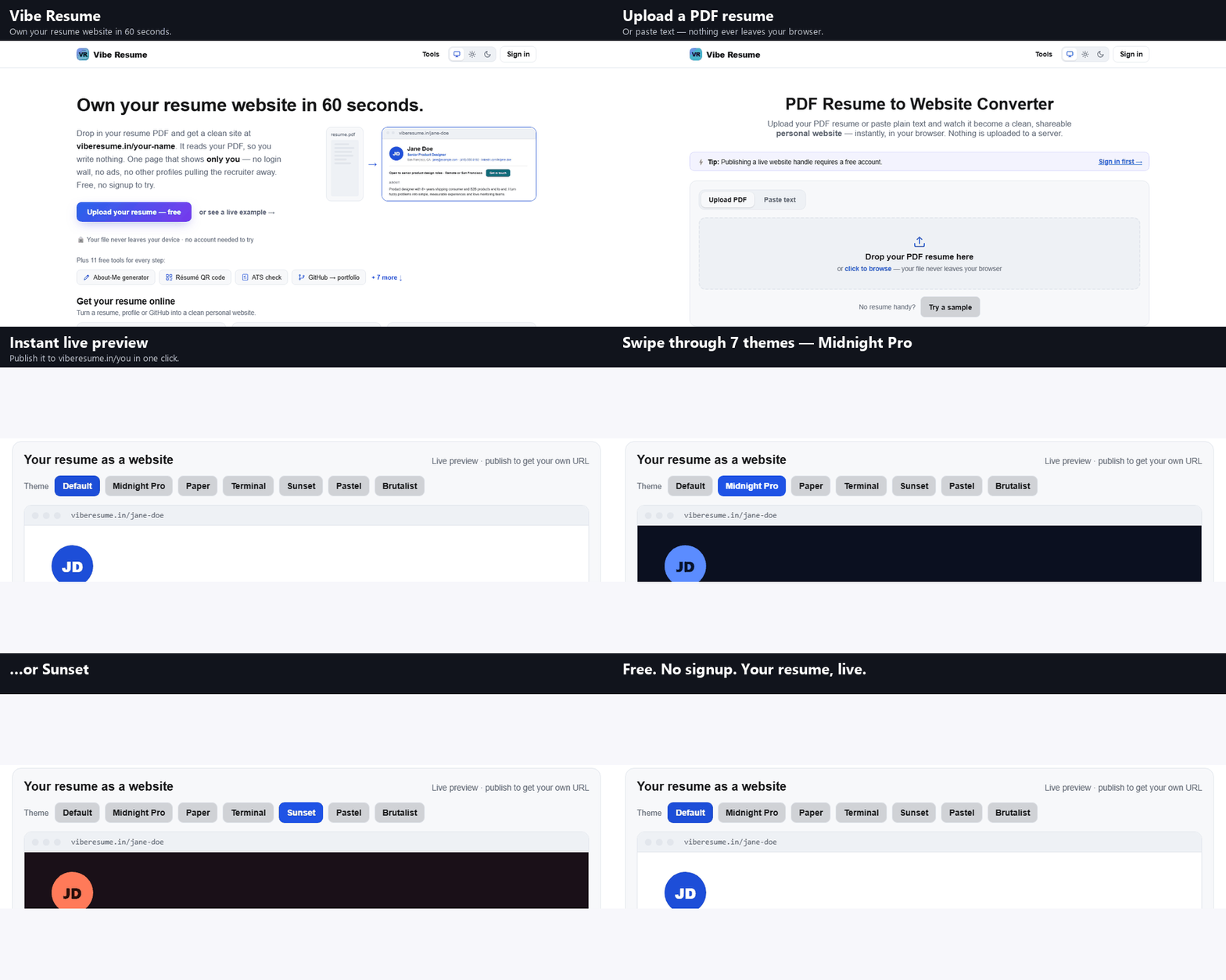
Upload your PDF resume or paste plain text and watch it become a clean, shareable personal website — instantly, in your browser. Nothing is uploaded to a server.
How it works
- Upload your resume PDF (or click “Try a sample” to see it in action).
- We read the text in your browser and detect your name, contact info and sections.
- Preview your resume as a clean website — then publish it as a live page in one click.
Related tools
- Plain text resume converter and ATS check
- AI resume rewriter
- Check your resume against a job description
- Resume to portfolio converter for developers
FAQ
How do I turn my PDF resume into a website?
Upload your PDF on this page. Everything runs in your browser — we read the text layer of your resume, detect your name, contact details and sections (summary, experience, skills), and lay them out as a clean, responsive personal website you can preview instantly.
Is my resume uploaded to a server?
No. Parsing happens entirely client-side in your browser using a self-hosted PDF reader. Your file never leaves your device, so it's safe to use with a resume that contains personal contact information.
My PDF didn't convert well — why?
If your resume was scanned or exported as an image, it has no selectable text layer for the tool to read. Re-export it from Word, Google Docs or your resume builder as a normal text PDF and it will parse cleanly. Heavy multi-column layouts can also scramble the reading order.
Is this free, and can I publish the site?
The converter and preview are completely free with no signup. When you're happy with the preview you can publish it as a live, shareable page on Vibe Resume with your own URL.